Good AI images usually do not start with a longer prompt. They start with a clearer visual direction.
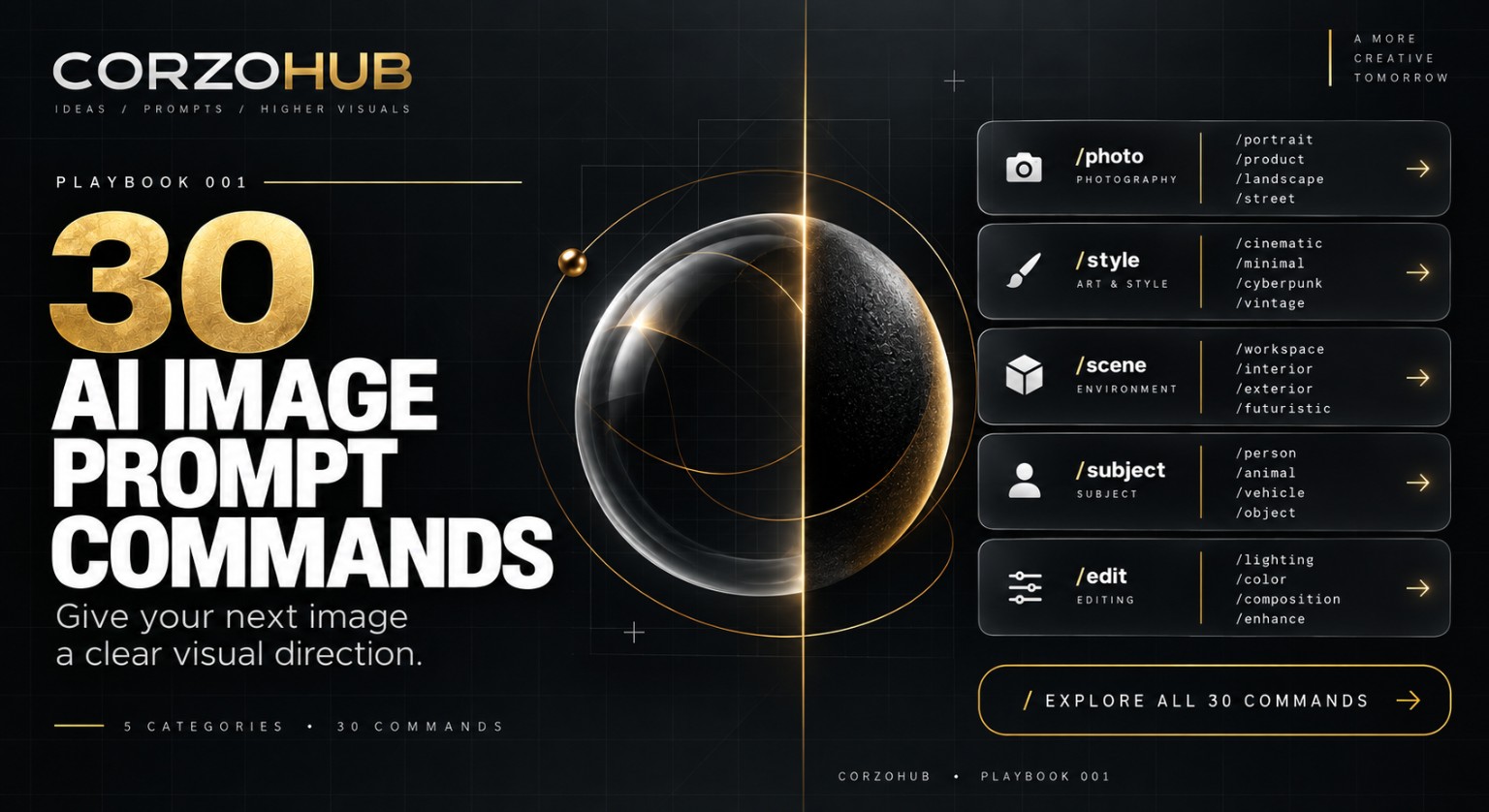
CorzoHub Playbook 001 was built around that idea: give the image model a practical visual brief instead of a pile of disconnected adjectives. The guide collects 30 visual styles, 30 complete example prompts, a simple prompt formula, an optional shortcut system, and a refinement workflow you can reuse when an image is close—but not quite right.
Start with a clear visual brief
A useful image prompt answers four questions:
- Subject — What is the main object, person, or scene?
- Style — Which visual direction should guide the image?
- Lighting — Where does the light come from, and how soft or dramatic is it?
- Composition — How is the subject framed, placed, and spaced?
Then add the output details that matter: aspect ratio, exact wording, reference details, and any space you need for final typography or layout.
That structure keeps the prompt focused. Instead of asking for something vaguely “premium” or “cinematic,” you define what the image should contain and how it should be presented.
30 styles, organized into five practical groups
The playbook divides the style library into five categories so you can find a direction quickly.
Tech
/futuretech— next-generation product visuals/workspace— premium creator setups/glassui— transparent layered environments/cyber— dark futuristic scenes/minimaltech— clean technology campaigns/producthero— bold product advertising
Cinematic
/cinematic— dramatic commercial lighting/anamorphic— wide framing and lens-flare cues/moody— deep shadows and atmosphere/blockbuster— epic movie-poster energy/dramaticlight— strong directional lighting/volumetric— light rays through haze
Product
/luxury— refined materials and lighting/studio— controlled product photography/floating— suspended product compositions/macro— extreme close-up detail/editorial— magazine-style photography/hero— a single standout focal point
UI / App
/glassmorphism— frosted transparent panels/darkui— dark surfaces and crisp contrast/neumorphic— soft dimensional controls/dashboard— structured data-rich layouts/mobileapp— polished mobile screen concepts/spatialui— floating interfaces with depth
Branding
/brandcampaign— a cohesive advertising look/billboard— bold large-format composition/socialad— attention-grabbing social visuals/launch— product reveal artwork/editorialbrand— magazine-inspired campaigns/minimalbrand— simple forms and clear focus
Important: the /style labels are shortcuts, not hidden commands
The slash labels in CorzoHub Playbook 001 are custom shorthand defined by the guide. They are not built-in ChatGPT commands and they are not hidden image-generation features.
You can paste the shortcut definitions into a conversation and use labels such as /cinematic or /luxury as your own shorthand. Or skip the setup completely and use the full example prompts in the guide. The complete prompts are written in plain language so they work without loading the shortcuts first.
Refine one variable at a time
When an image is close to what you want, changing everything at once makes it harder to understand what actually improved the result. The playbook recommends making one deliberate refinement at a time.
If the image feels generic, specify the material, light direction, and camera view. If the composition feels crowded, reduce props and ask for more negative space. If the scene is too dark, ask for softer contrast while keeping visible detail in the shadows. If text or a logo matters, provide the exact wording or the real logo reference.
For generated UI concepts, treat the image as a visual direction rather than working software. Check contrast, hierarchy, labels, and usability before turning the concept into a real interface.
Editing an existing image
When you work from a reference image, be explicit about what must stay and what should change. For a product, that may mean preserving the shape, proportions, label wording, color, and placement while changing only the background or lighting. For a portrait, it may mean preserving the same person, facial features, expression, and proportions.
Image edits can still change details outside the requested area, so review preservation carefully before using the result as a final asset.
What is inside CorzoHub Playbook 001
The full 24-page guide includes:
- 30 visual style labels across Tech, Cinematic, Product, UI / App, and Branding
- 30 complete copy-and-paste example prompts
- a four-part prompt formula
- an optional one-message shortcut setup
- use cases and refinement notes for every style
- reference-image editing guidance
- three combined style recipes
- a troubleshooting section for improving weak results
The goal is not to make prompting more complicated. It is to give each image a clear direction, then make deliberate changes until the result fits the job.
Download the free playbook
CorzoHub Playbook 001 — 30 AI Image Prompt Styles is available as a free PDF. Save it, test the examples, change the subjects and colors, and build your own visual system from the styles that fit your work.
CorzoHub Playbook 001 / Edition 1.0 / September 2026. Created and designed for CorzoHub, LLC.
